Student & first resume
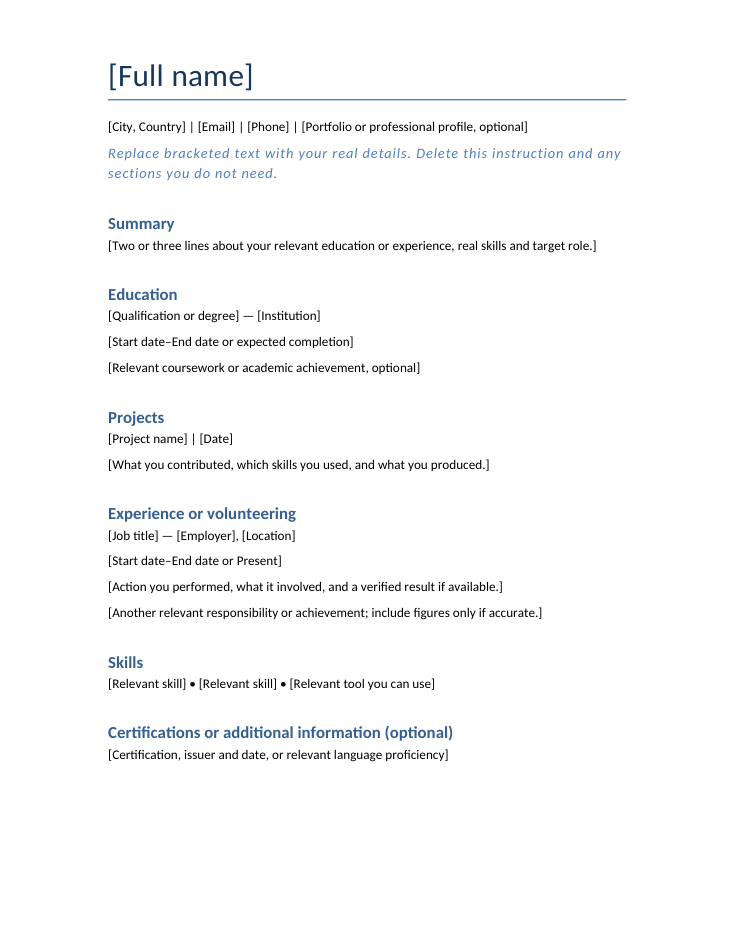
A simple single-column layout for education, projects, volunteering and real skills.
Start with an editable template, improve the wording with AI, and check every detail before sharing your resume.
13 of 13 templates
A simple single-column layout for education, projects, volunteering and real skills.
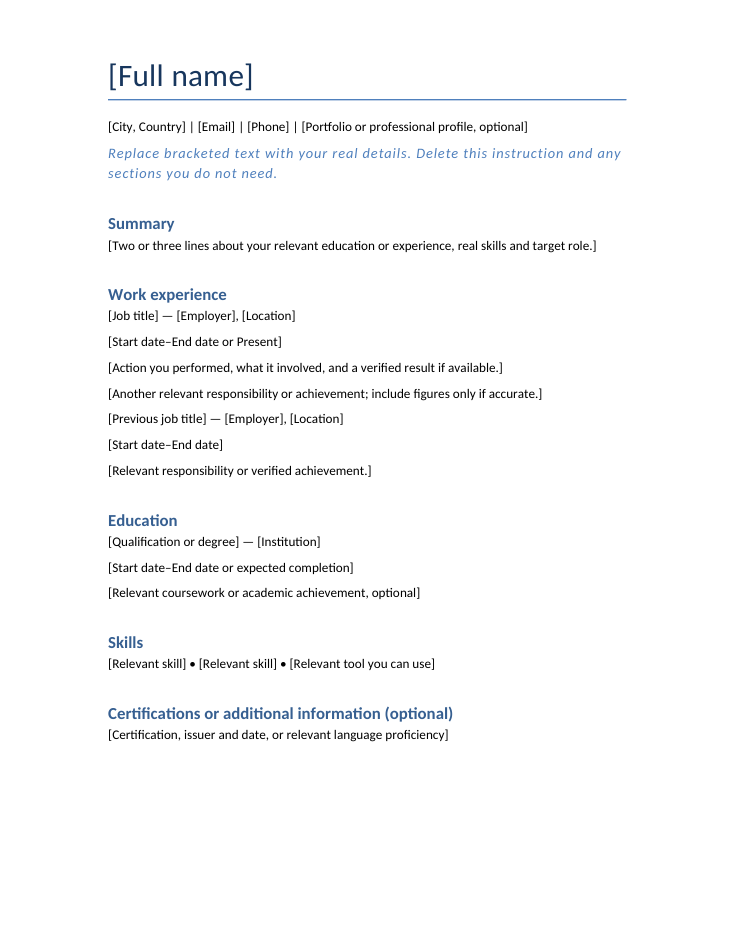
A simple single-column layout for recent work, responsibilities and verified achievements.
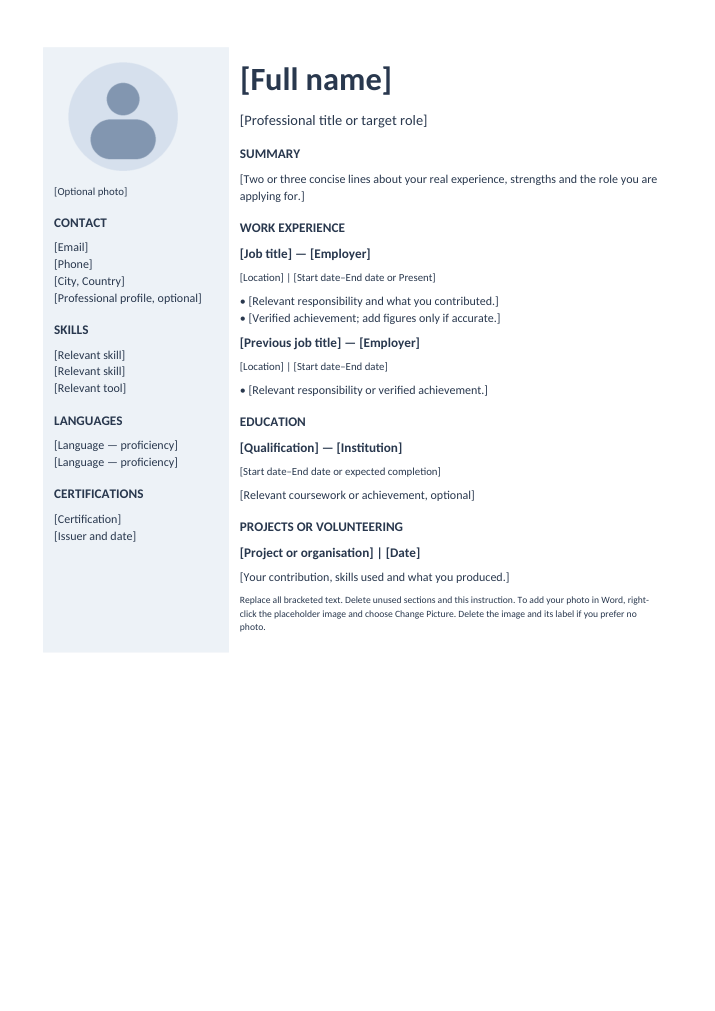
A pale navy sidebar with a neutral photo placeholder and a main experience column.
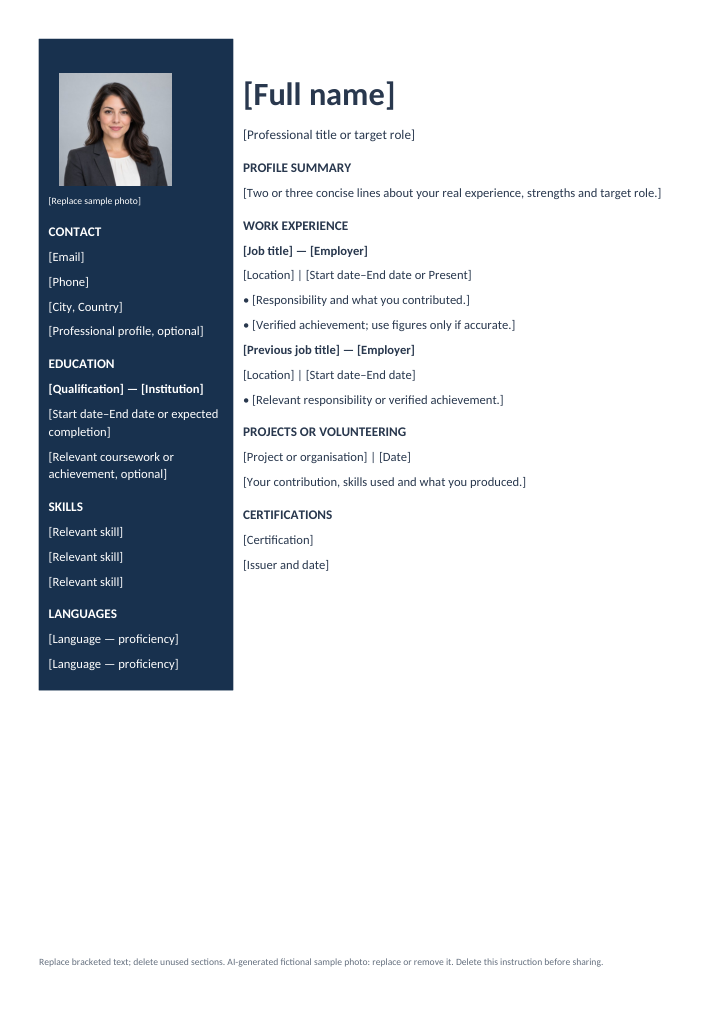
A dark navy sidebar for contact, education and skills, with experience in the main column.
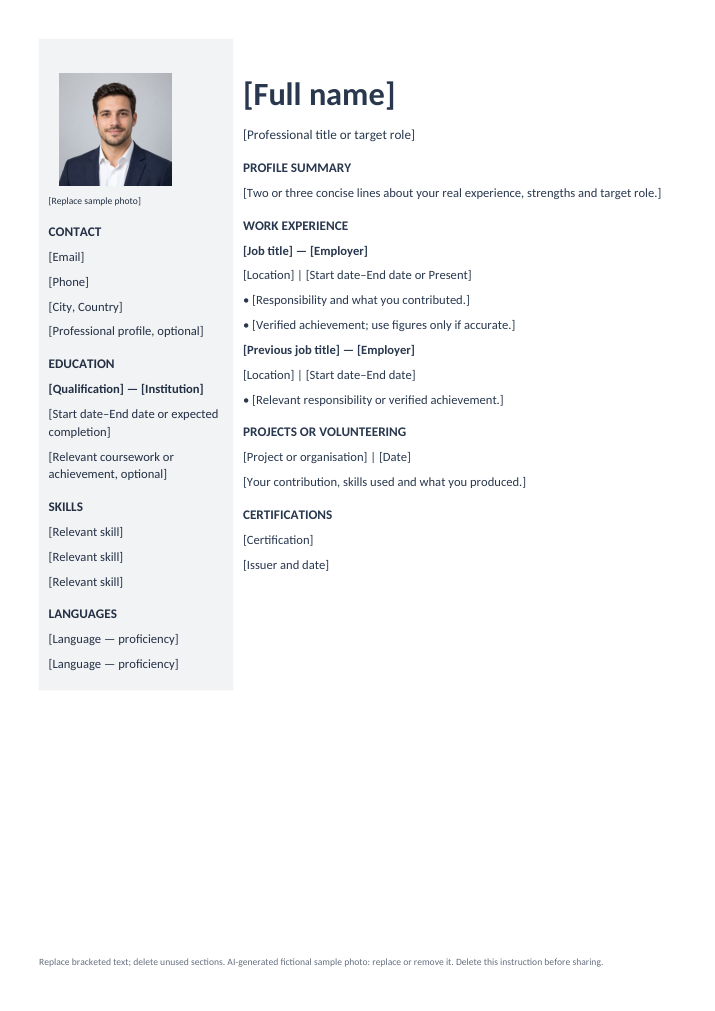
A light grey sidebar and bold name heading, with a clear summary and work history.
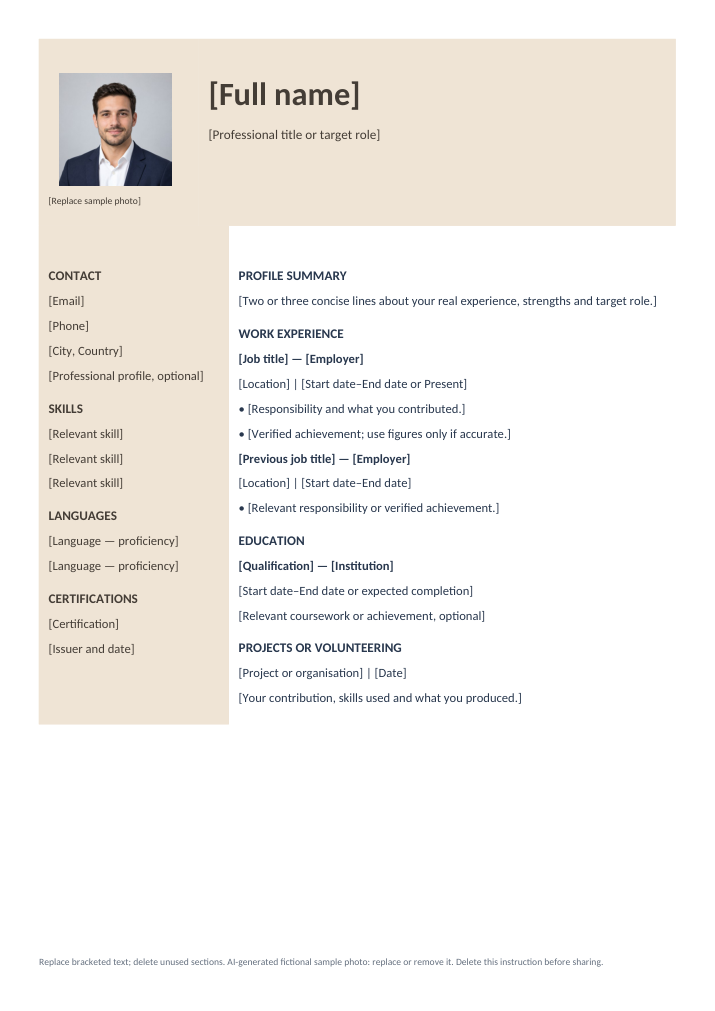
A warm sand name banner with photo space and a calm two-column layout.
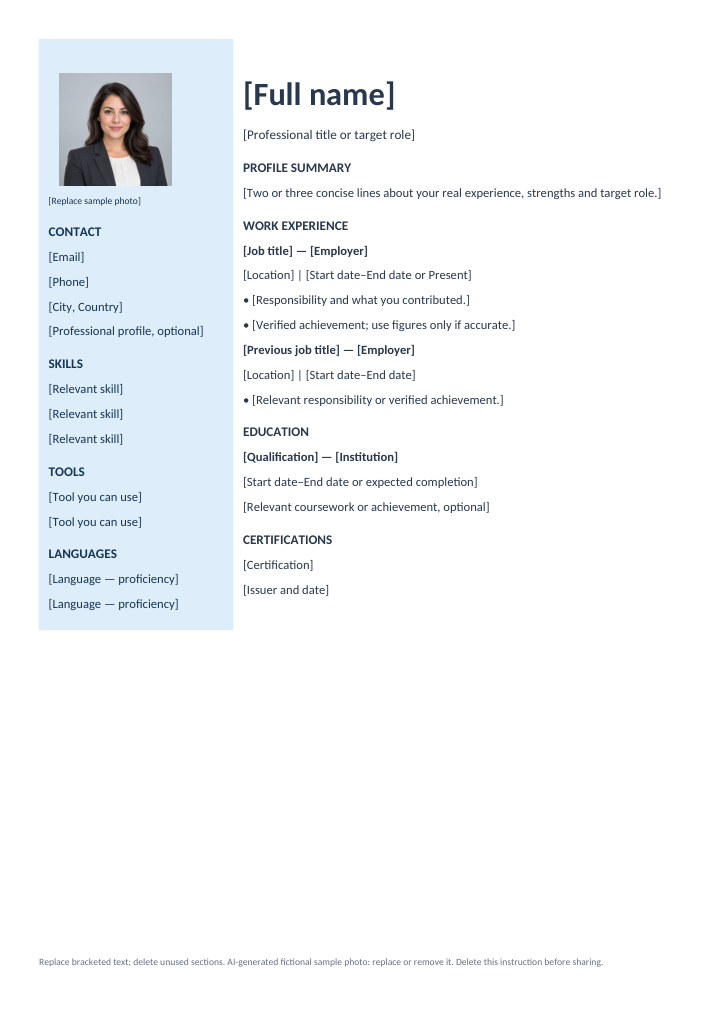
A blue photo panel, navy section labels and space for tools and practical skills.
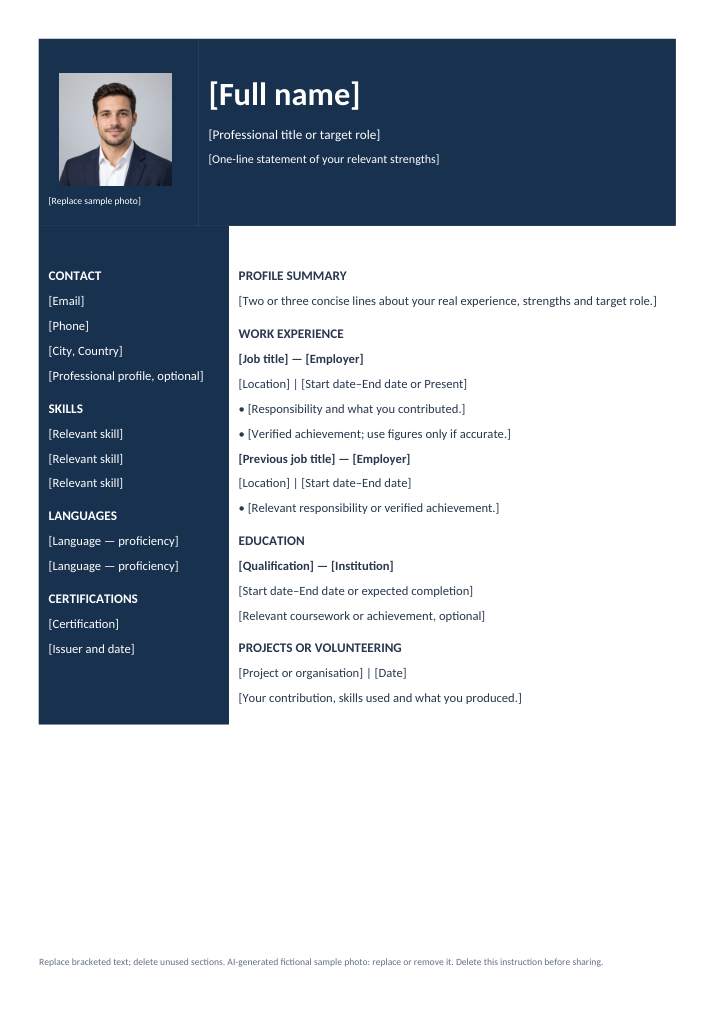
A navy photo and name banner above competencies and professional experience.
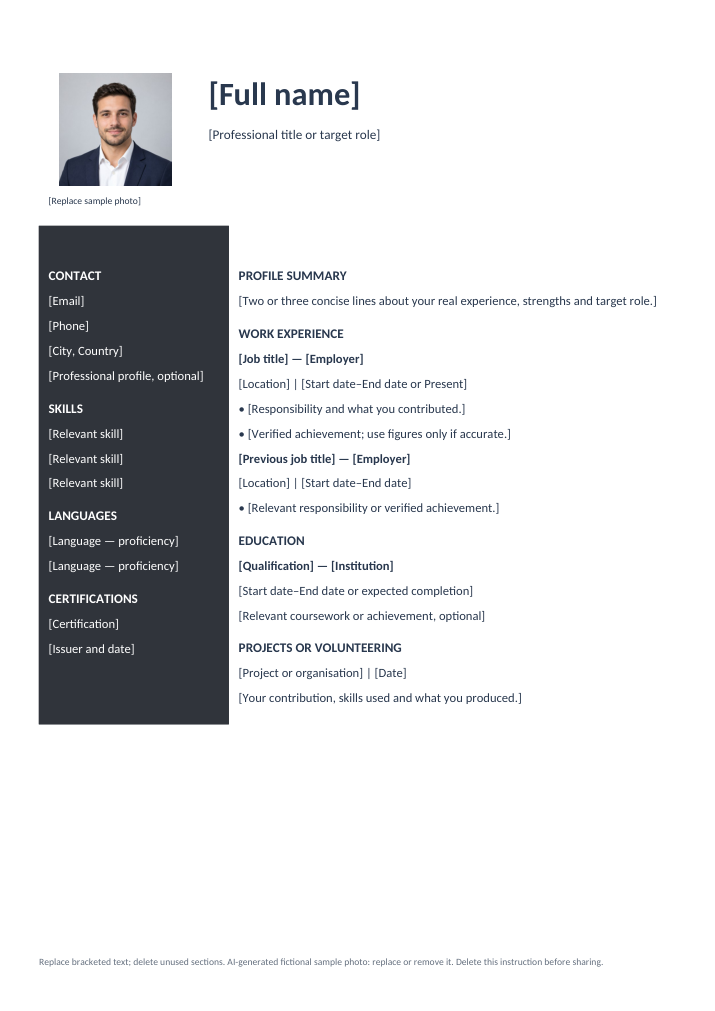
A white photo header above a charcoal skills sidebar and a spacious experience column.
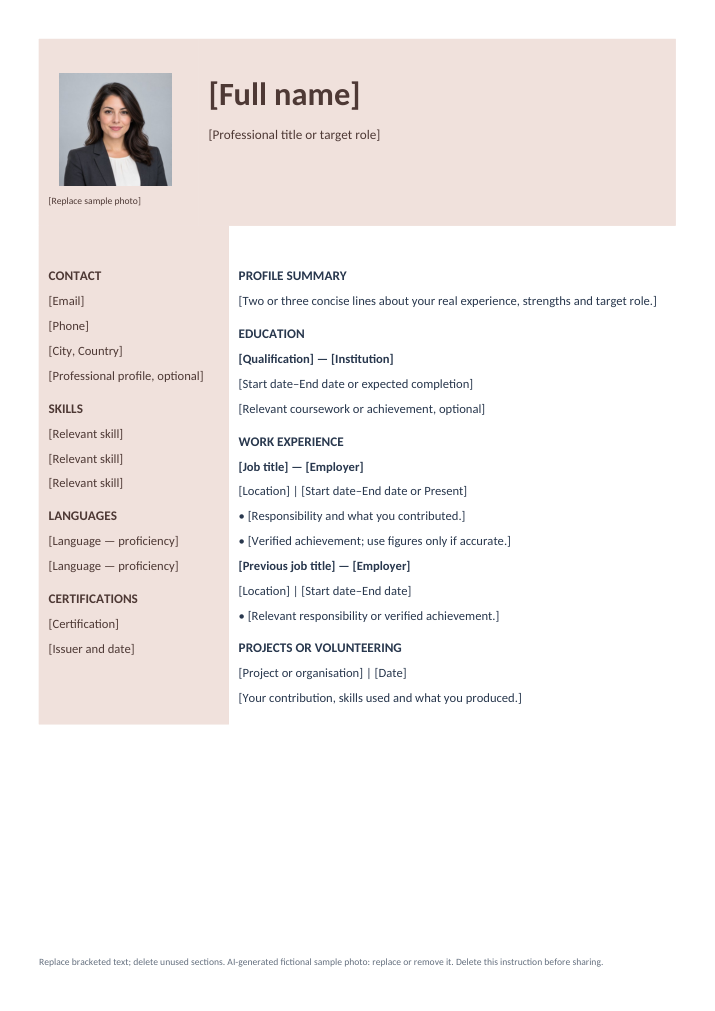
A soft rose header and sidebar, with education before work experience.
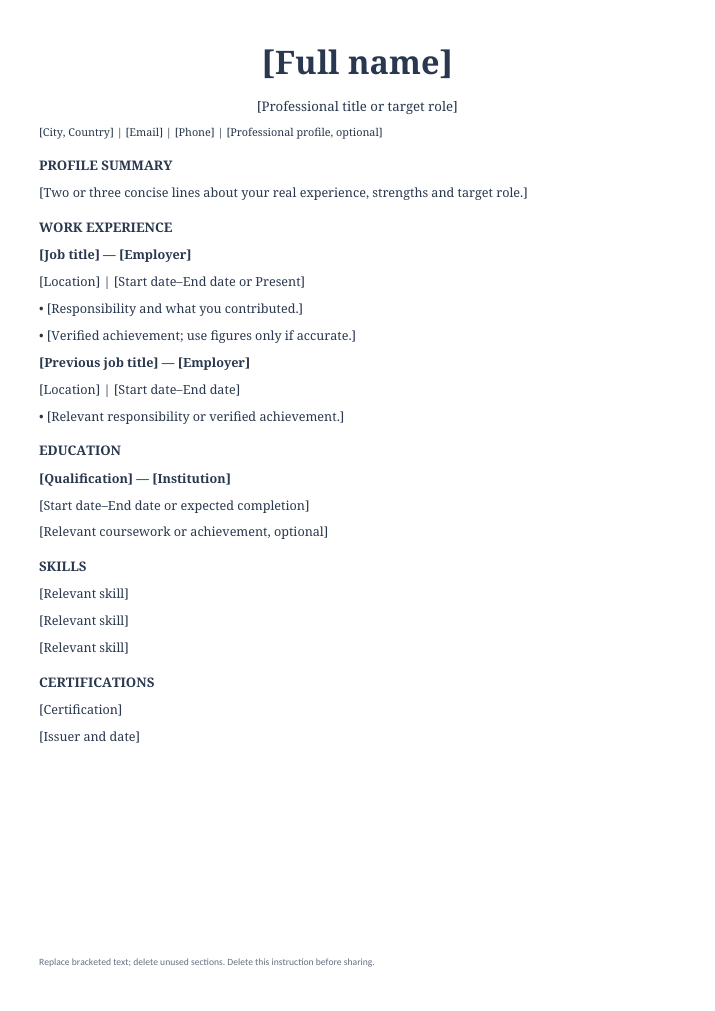
A centred serif name heading and a single column for work experience and qualifications.
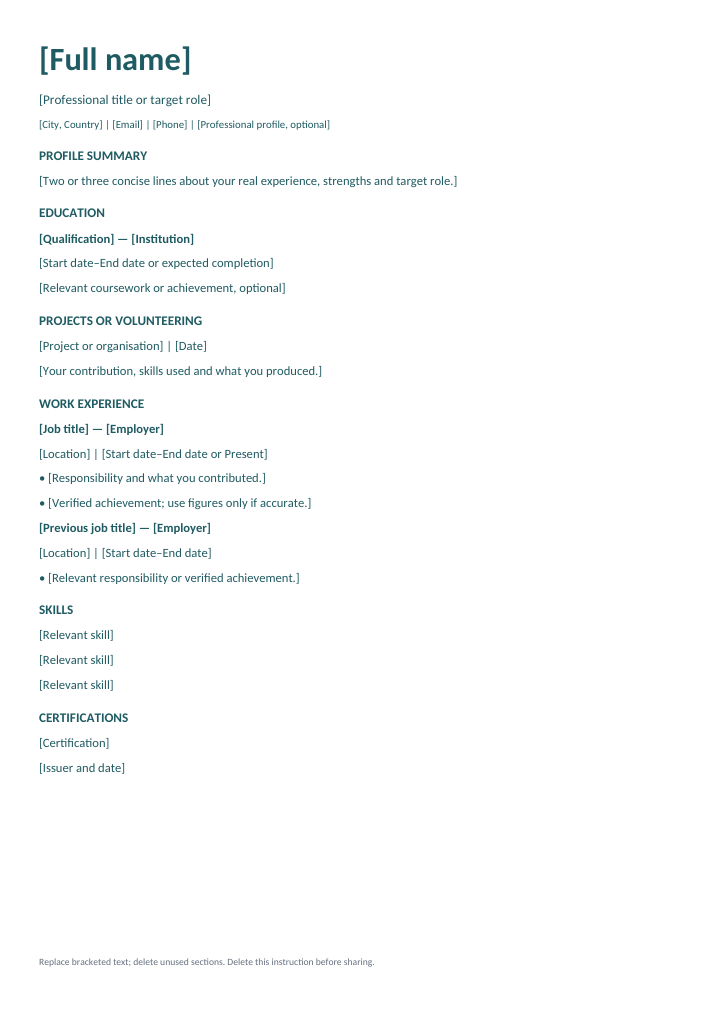
Education and projects lead this single-column layout for students and first applications.
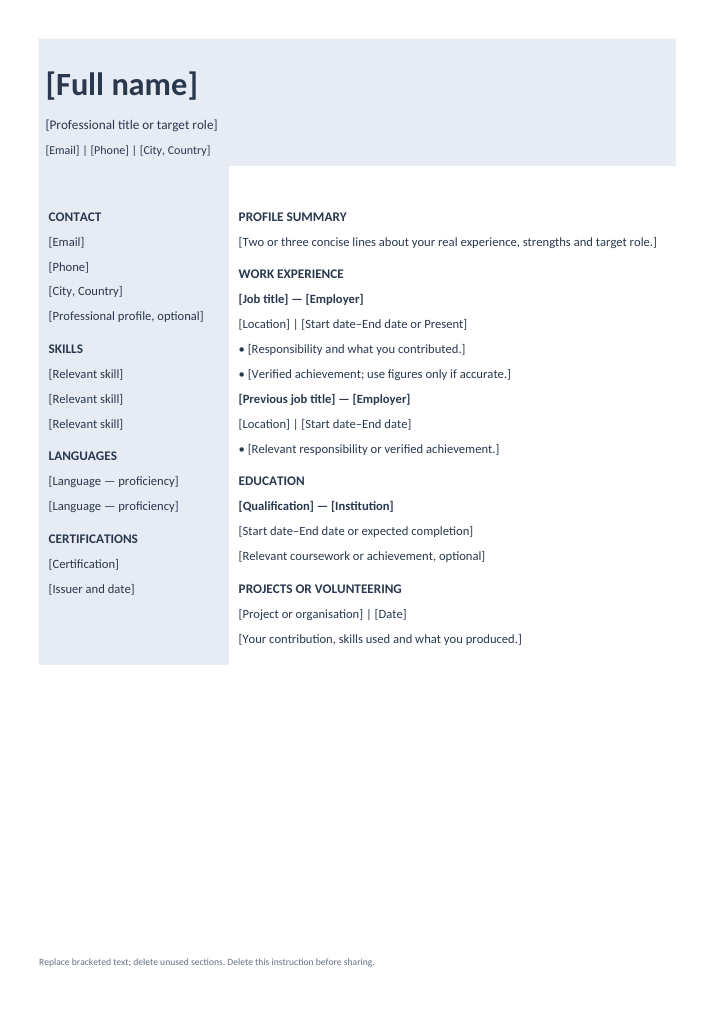
A compact name banner with side-by-side skills and work history, without a photo.
Free editable Word documents. Previews are exported from the templates; spacing may vary in your editor or as you add details. Photo designs include either a neutral placeholder or an AI-generated fictional sample portrait. Replace or remove it before sharing your CV.
In Word, right-click the photo and choose Change Picture. In Google Docs, select the photo and choose Replace image. Delete the photo and its label if you prefer a CV without a photo. Delete the instruction in the document footer before sharing. WordPad does not support these layouts reliably. These are starting layouts. Adjust the length and sections to your experience and the application requirements.
Copy these instructions into your chosen AI assistant and replace the placeholders with your notes. Remove private contact details and confidential employer information before sharing.
Help me improve my resume using only the facts I provide.
Target role: [Role]
My education, skills and experience: [Paste your notes]
Job description (optional): [Paste the relevant requirements]
Write in plain, professional English. Improve clarity without exaggerating.
Do not invent employers, qualifications, dates, skills, responsibilities or achievements.
Do not add numbers or results unless I supplied them.
If essential details are missing, ask me before drafting. Use clearly marked placeholders for other missing details.
Suggest a short summary and concise experience or project bullets.
Separate rewritten text from questions and suggestions. Explain any suggested wording that needs my confirmation.
This page provides a prompt; it does not generate or store your resume. Review every claim before using AI wording.
The guided resume builder is still planned. These templates and the prompt are available now.